

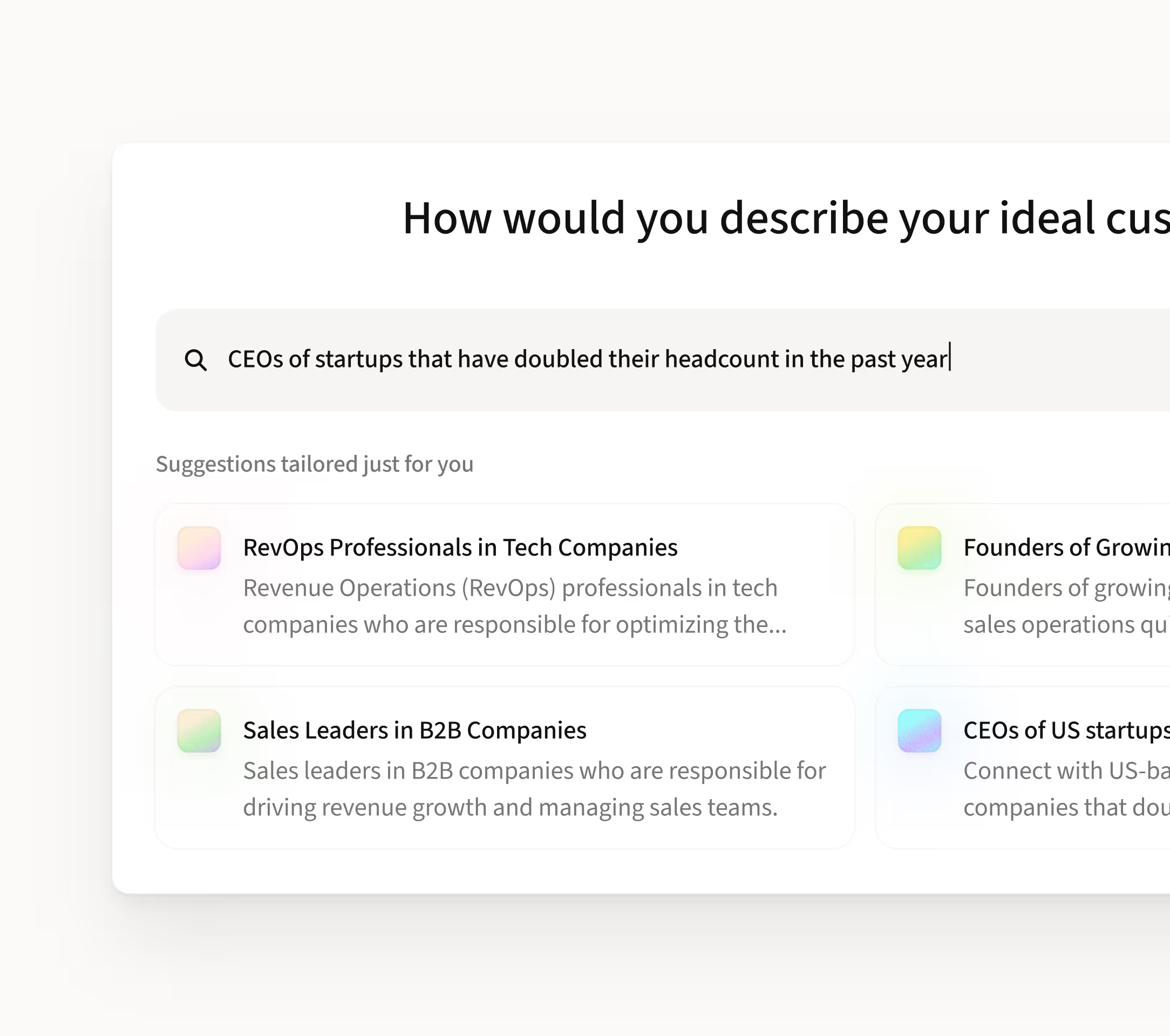
Sales leaders with 5+ years of experience in fintech companies in Europe
Sales leaders with 5+ years of experience in fintech companies in Europe

Suggestions tailored just for you
E-commerce companies with a recent funding round
Target e-commerce companies that have recently secured funding.
HR Directors at seed-funded, high-growth companies
Engage with HR leaders at high-growth startups that secured recent seed funding.















“Instead of ticking a bunch of filters, I can say exactly what I’m looking for and come across leads and insights I might have missed before.”

Rebecca Murphey
Field CTO

Automation rules
Turn events into automatic actions

Trigger actions from real events
Start automations when something happens a new email arrives, a task changes status, a comment is added, or a deadline approaches.

Automatically update tasks
Rules can assign owners, change priority, update task stages, or notify teammates so work always moves to the next step without manual triage.

Chain steps into workflows
Combine triggers and actions to create automated workflows that guide tasks through your process from start to completion.
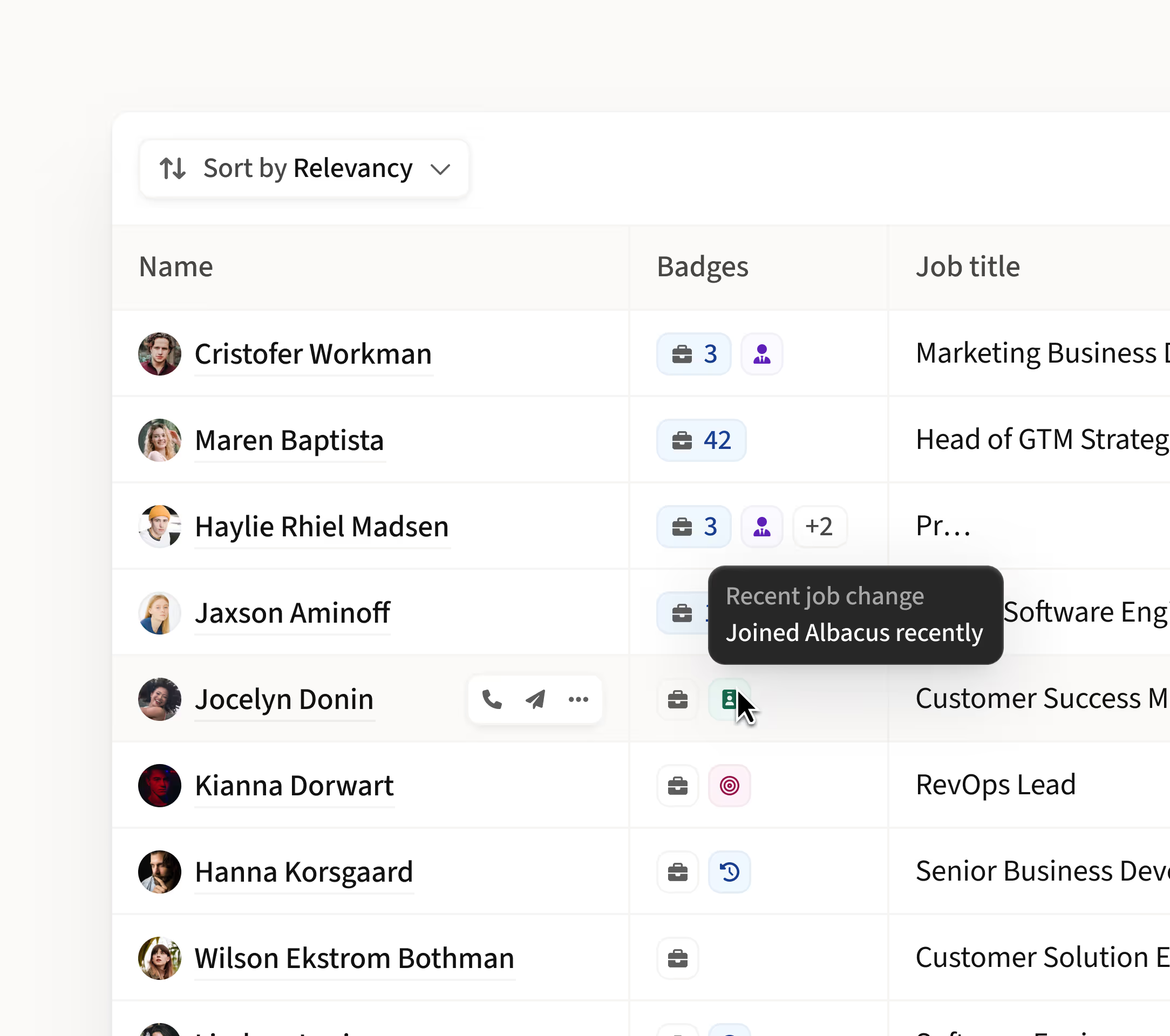
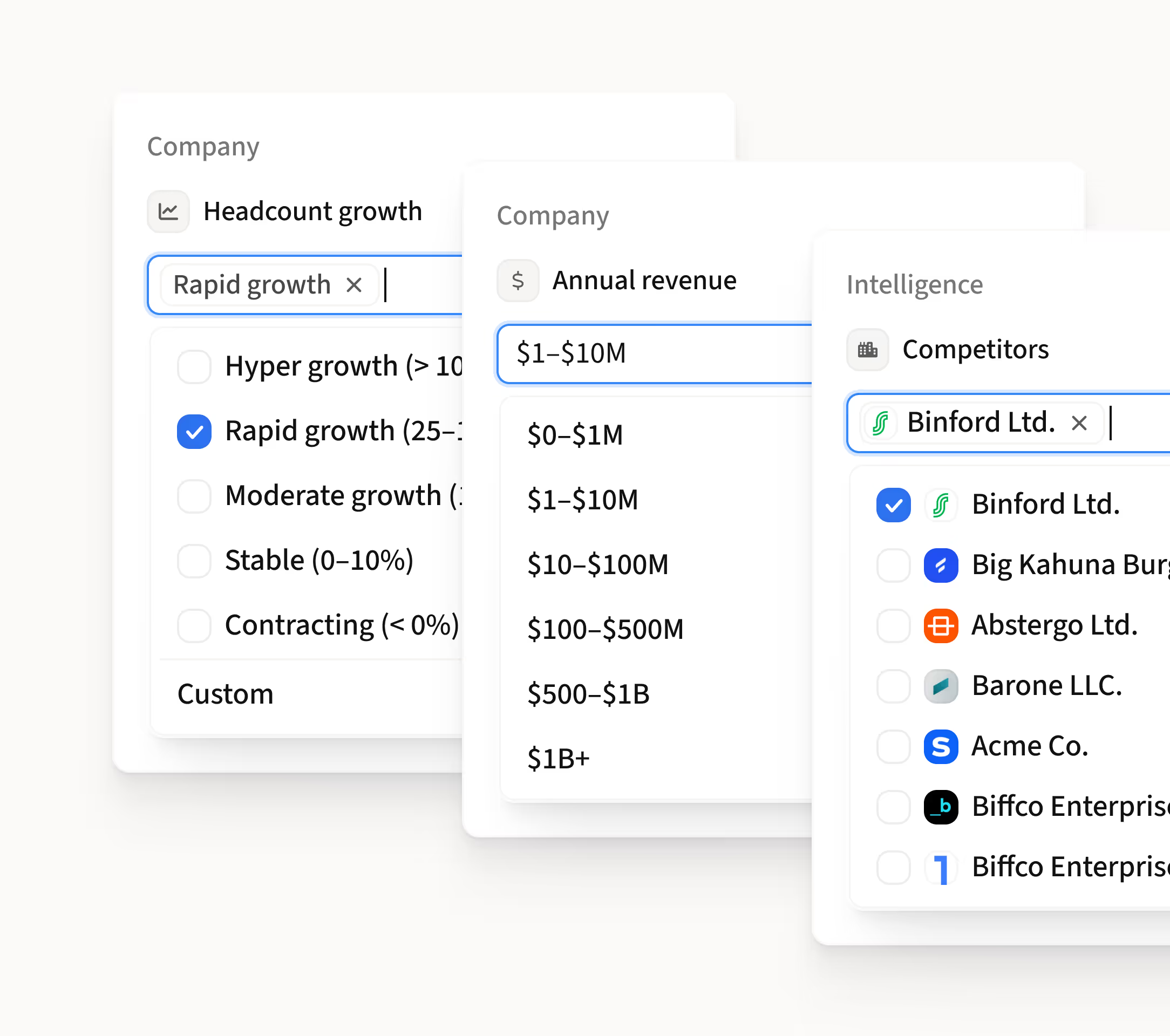

Flowtask’s AI takes a ton of the heavy lifting out of prospecting. It automatically surfaces new leads and continuously re-enriches the data.”

Colton Frankeny
Senior Manager
Email work, automatically organized
P
100
A
less manual email triage
P
100
A
from email to task
P
100
A
conversation context captured
P
100
A
nothing lost in inbox threads
P
100
A
email becomes team execution


One inbox signal all the rig ht targets
Smart routing

Tasks go to the right teammate automatically
Flowtask analyzes context, expertise, and past ownership to route work to the most appropriate person.
Full context

Owners get everything they need
Tasks arrive with conversation history, attachments, and key details so teammates can act immediately.
Instant ownership

No more “who owns this?”
The moment work appears, Flowtask assigns it to the right owner so tasks never sit unassigned.
Balanced workloads

Work is distributed intelligently
Flowtask considers team workload signals to help keep assignments balanced and work moving smoothly.

"Flowtask provides us a good quality list of leads in the Searcher, and also good insights from Flowtask AI.”

Aline Louzada
Growth
Frequently asked questions
1
What is Trigger-Based Automation?
Trigger-Based Automation lets you create rules that automatically perform actions when specific events happen in your workspace.
2
What events can trigger automations?
Triggers can include new emails, task creation, status changes, comments, deadlines, or other workflow events.
3
What actions can Flowtask automate?
Flowtask can assign owners, update task status, change priority, add comments, notify teammates, or move tasks to another stage.
4
Can I create multiple actions from one trigger?
Yes. A single trigger can initiate multiple actions so tasks move through your workflow automatically.
5
Do I need coding to create automation rules?
No. Trigger-Based Automation is configured through a simple rule builder so teams can create workflows without writing code.